📌 Introduction
In the previous article, we discussed Primitive Data Types in Java, which store simple values directly. However, real-world applications require handling complex data, multiple values, text, and user-defined entities.
To handle such requirements, Java provides Non-Primitive Data Types, also known as Reference Data Types.
🧠 Primitive vs Non-Primitive Data Types (Quick Recall)
📊 Key Difference
| Primitive Data Types | Non-Primitive Data Types |
|---|---|
| Store simple values | Store complex data |
| Fixed size | Size varies |
| Store actual value | Store memory address (reference) |
| Predefined | Predefined + User-defined |
| Examples: int, char | Examples: Array, String, Class |
👉 This article focuses only on Non-Primitive Data Types.
🧩 What Are Non-Primitive Data Types?
📘 Definition
Non-Primitive Data Types are data types that:
- Store references to objects
- Can store multiple values or complex structures
- Are created using classes
These data types allow Java to model real-world entities efficiently.
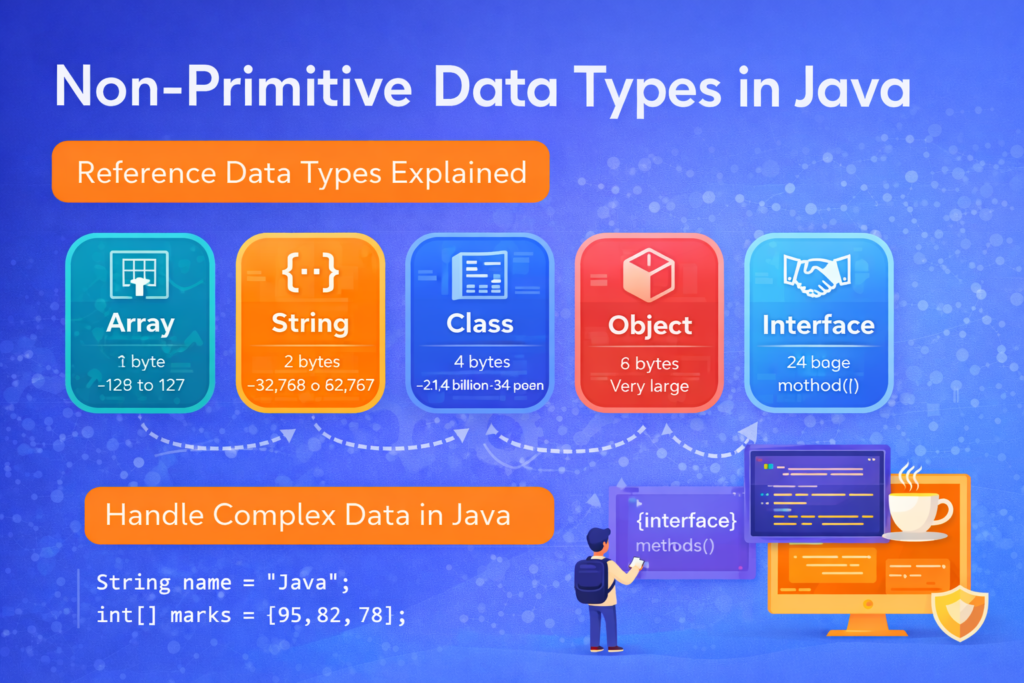
📂 Types of Non-Primitive Data Types in Java
📌 Common Non-Primitive Data Types
- Arrays
- String
- Classes
- Interfaces
- Objects
(In this article, focus is on Arrays, String, and Class/Object basics, as per syllabus flow.)
📦 1. Arrays
📌 What Is an Array?
An array is a collection of elements of the same data type, stored in contiguous memory locations.
int[] marks = {85, 90, 78, 92};
🧠 Why Arrays Are Non-Primitive
- An array stores multiple values
- It stores a reference to memory
- It is an object in Java
🧪 Example: Array Usage
int[] numbers = new int[3];
numbers[0] = 10;
numbers[1] = 20;
numbers[2] = 30;
⚠️ Common Array Mistake
int[] arr = new int[3];
arr[3] = 40;   // ERROR
❌ Runtime Error: ArrayIndexOutOfBoundsException
✔ Valid indexes: 0, 1, 2
🔤 2. String Data Type (Very Important)
📌 What Is a String?
A String is a sequence of characters enclosed in double quotes.
String name = "Java";
🧠 Why String Is Non-Primitive
- String is a class
- It creates objects
- It stores reference, not value
🧪 Two Ways to Create String
String s1 = "Java";
String s2 = new String("Java");
Both create strings, but memory handling is different.
⚠️ Tricky Code Example (IMPORTANT)
String s1 = "Java";
String s2 = "Java";

System.out.println(s1 == s2);
✔ Output:
true
🧠 Reason:
- Both refer to the same object in String Constant Pool
⚠️ Another Tricky Example
String s1 = new String("Java");
String s2 = new String("Java");

System.out.println(s1 == s2);
✔ Output:
false
🧠 Reason:
newkeyword creates separate objects
✅ Correct Way to Compare Strings
System.out.println(s1.equals(s2));
✔ Output:
true
❌ Common String Mistake
Using == instead of equals() to compare content.
🧱 3. Classes
📌 What Is a Class?
A class is a blueprint used to create objects.
class Student {
    int rollNo;
    String name;
}
🧠 Why Class Is Non-Primitive
- Stores multiple variables
- Can contain methods
- Creates objects dynamically
🧍 4. Objects
📌 What Is an Object?
An object is an instance of a class.
Student s = new Student();
🧠 Object Stores
- Data (variables)
- Behavior (methods)
- Reference to memory
⚠️ Common Object Mistake
Student s;
s.rollNo = 10;   // ERROR
❌ Compilation Error:
variable s might not have been initialized
✔ Correct:
Student s = new Student();
🧠 Memory Behavior of Non-Primitive Types
📌 Important Concept
- Variables store reference
- Actual data stored in heap memory
- Multiple references can point to same object
🧪 Tricky Example
int[] a = {1, 2, 3};
int[] b = a;

b[0] = 99;
System.out.println(a[0]);
✔ Output:
99
🧠 Reason:
- Both
aandbpoint to the same array object
⚠️ Common Mistakes with Non-Primitive Data Types
❌ 1. Null Pointer Exception
String s = null;
System.out.println(s.length());
❌ Runtime Error:
NullPointerException
❌ 2. Using == Instead of equals()
- Compares reference, not content
❌ 3. Forgetting Object Creation
Declaring reference without creating object
❌ 4. Assuming Arrays Auto-Resize
Java arrays have fixed size
❌ 5. Confusing Default Values
- Object reference →
null - Not actual object
📊 Summary Table: Non-Primitive Data Types
| Type | Description |
|---|---|
| Array | Stores multiple values of same type |
| String | Stores sequence of characters |
| Class | Blueprint for objects |
| Object | Instance of a class |
| Interface | Blueprint for behavior |
🎯 Why Non-Primitive Data Types Are Important
⭐ Key Benefits
- Store complex data
- Support object-oriented programming
- Enable real-world modeling
- Improve code structure
- Allow dynamic memory usage
🏁 Conclusion
📝 Final Summary
Non-Primitive Data Types form the backbone of object-oriented programming in Java. They allow programs to handle complex data, multiple values, and real-world entities efficiently. Understanding their memory behavior, common mistakes, and comparison techniques is essential before moving to classes, objects, and OOP concepts.
A strong grasp of non-primitive data types prepares learners for:
- Classes & Objects
- Inheritance
- Polymorphism
- Data structures